Track Website Uptime
XEO AI XWatch is a free uptime monitor and visibility tracker that helps you stay informed. It tracks your websites’ uptime with instant notifications, shows keyword positions, gain/loss trends, and reveals which articles drive the most visibility.
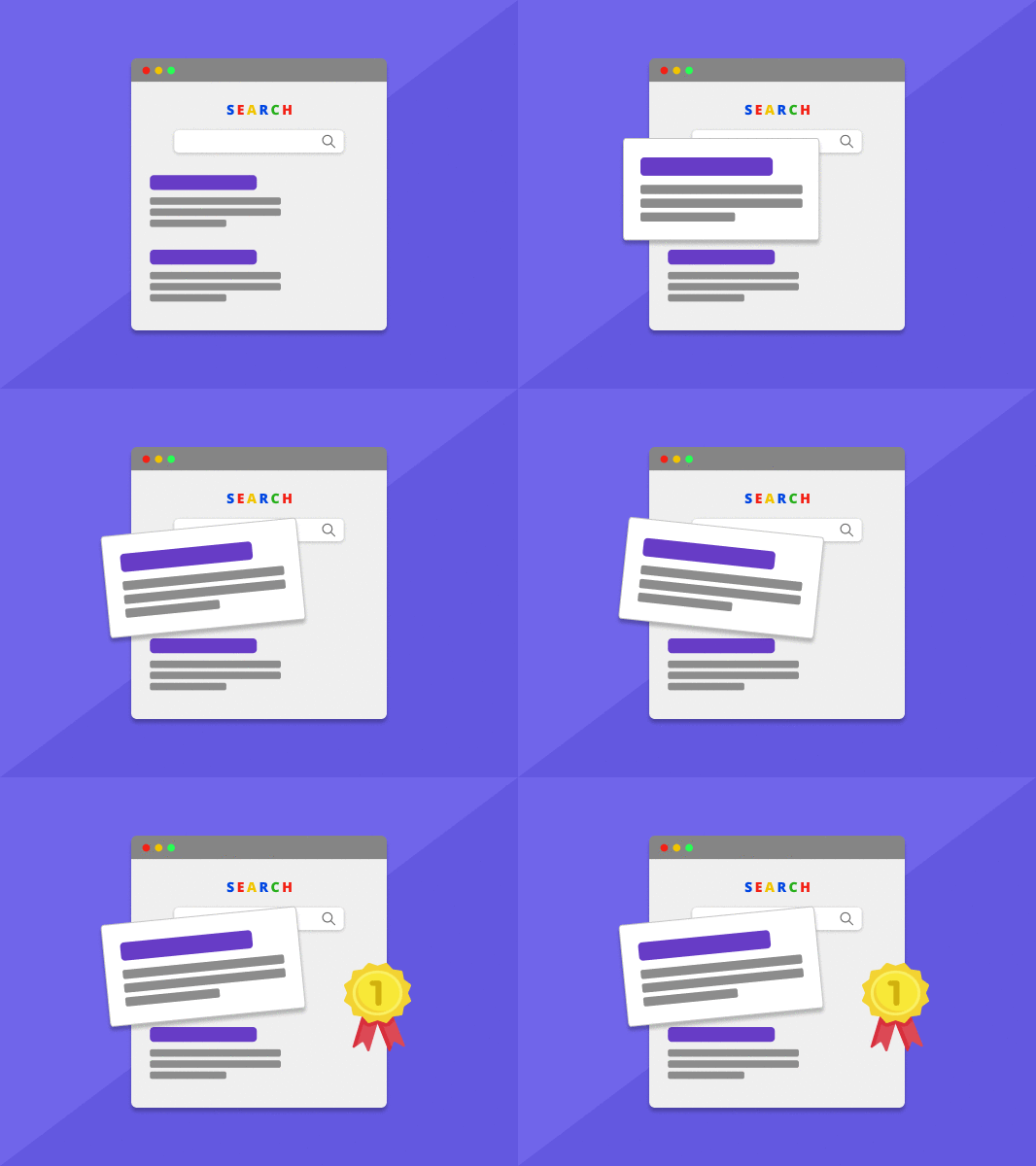
Track Rankings, Improve Faster
XEO AI XWatch keeps a real-time pulse on how your content performs across Google and AI-powered search engines — and includes a free uptime monitor to keep your websites online and performing.
Get daily updates on keyword rankings, visibility shifts, and traffic trends — so you know exactly what’s working and what needs attention.
XEO AI XWatch Key Features
More Pages, More Keywords, More Traffic
With XEO, scale isn’t optional — it’s automatic. XEO creates hundreds of SEO-optimized pages in days, not months — so you can capture more search demand and grow organic traffic at scale.
SEO That Stays Up-to-Date
We sync with Google Search Console and track keyword rankings, traffic, and visibility daily.
Built-in Reporting
Get clean, shareable reports with uptime, visibility, and search trends — no spreadsheets needed.
Always-On Site Monitoring
Includes a free uptime monitor that checks your websites 24/7 from multiple regions — with real-time alerts for downtime and SEO issues.
How to Use Free Uptime Monitor
Step 1

Once enabled, the free uptime monitor will begin checking your website’s availability automatically.
Step 2

Adjust the free uptime monitor settings based on your needs, including monitoring regions, check frequency, request method (HTTP/HTTPS), and other advanced options.
This ensures the free uptime monitor works exactly the way you want.
Step 3

Save your settings to activate the free uptime monitor.
If downtime or abnormal behavior is detected, the free uptime monitor will instantly notify you via email, SMS, or voice call, so you can respond quickly.
About XEO AI XWatch
Yes. Free Uptime Monitor continuously accumulates historical data, allowing you to track long-term stability, performance trends, and overall website health.
Absolutely. For content-heavy or SEO-driven sites, Free Uptime Monitor allows you to monitor overall stability and performance trends instead of focusing on individual pages.
Yes. By comparing uptime data with traffic trends, Free Uptime Monitor helps you determine whether traffic drops are caused by server issues or changes in search visibility.
Yes. Free Uptime Monitor continuously runs checks and records every result. Even brief or intermittent issues are stored, making it easier to analyze long-term stability.
Yes. Even if your website is still in development or testing, Free Uptime Monitor can track server responses and accessibility, helping you identify stability or configuration issues before launch.
XEO AI XWatch provides website status, uptime, ranking and data analytics from the search engines with rank improving suggestions.
XEO AI Watch is used to track your website(s) after creation and report on traffic, allowing you to increase users that view your site and content.
Yes. XEO AI tracks website uptime (globally), page speed, keyword rankings, and organic search traffic. You’ll get live insights and alerts as your site grows.